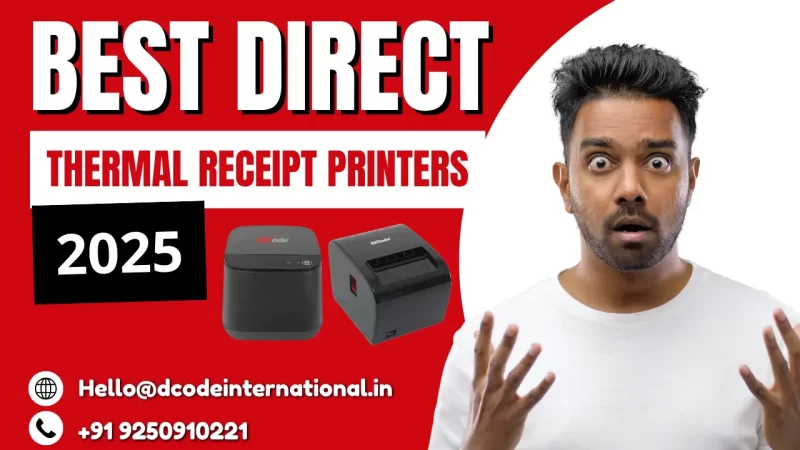
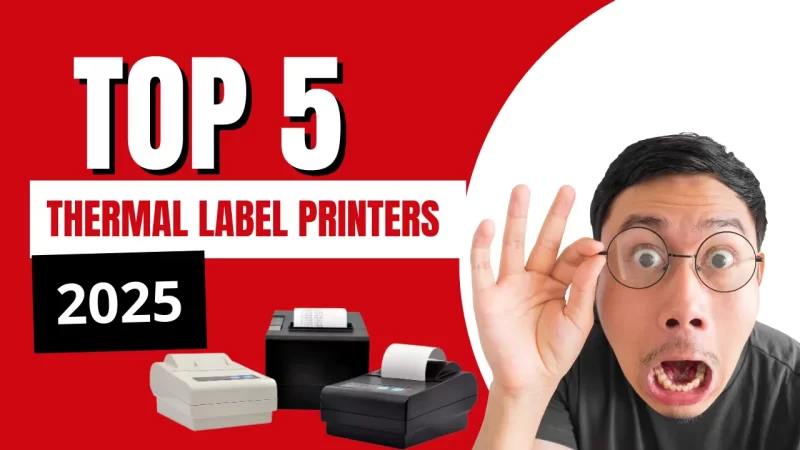
5 Best Thermal Receipt Printers in 2025

Running a business in 2025? Then you already know how crucial quick, seamless transactions are. Whether it’s a retail store, a cafe, or a pharmacy, the receipt printer you use can make or break the checkout experience. That’s why today, we’re diving deep into the 5 best thermal receipt printers in 2025—so you can choose the one that fits your business like a glove.
What is a Thermal Receipt Printer?
A thermal receipt printer is a device that uses heat-sensitive paper and heat to print images or text. Unlike traditional printers, they don’t use ink—which means fewer refills and less mess.
How Does a Thermal Printer Work?
It works like magic—okay, not magic, but science. It heats specific spots on thermal paper. The paper reacts by turning black where it’s heated. Voila! Your receipt is born.
Why Choose Thermal Printers in 2025?
- Eco-Friendly: No ribbons or ink cartridges = less waste
- Low Maintenance: Fewer moving parts mean fewer breakdowns
- Fast and Quiet: Ideal for fast-paced environments like retail and hospitality
- Cost-Effective: Long-term savings on consumables
Top 5 Best Thermal Receipt Printers in 2025
Let’s now get into the best options this year has to offer:
1. Epson TM-T88VII

Features
- Lightning-fast 500mm/sec print speed
- Triple Interface: USB, Ethernet, and Bluetooth
- Energy-efficient design
- Supports QR codes and barcodes
Pros and Cons
Pros:
- Extremely reliable
- Compatible with most POS systems
- Great build quality
Cons:
- Slightly pricey
- Setup may need technical support
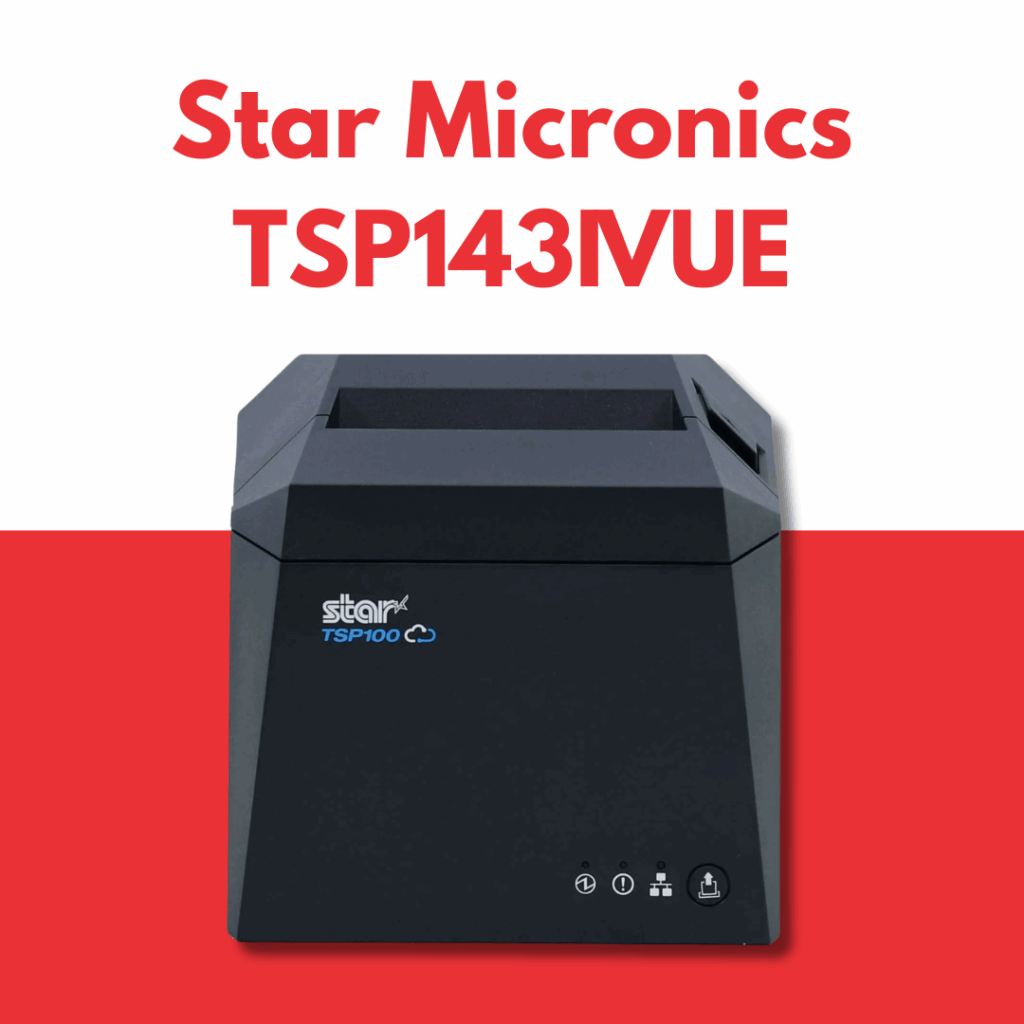
2. Star Micronics TSP143IVUE
Features
- CloudPRNT support for online printing
- High-speed USB and LAN connectivity
- Sleek, modern design
- Easy paper loading
Pros and Cons
Pros:
- Cloud support = Future-ready
- Compact and space-saving
- High-speed printing
Cons:
- Limited to 80mm width paper
- Software can be tricky at first
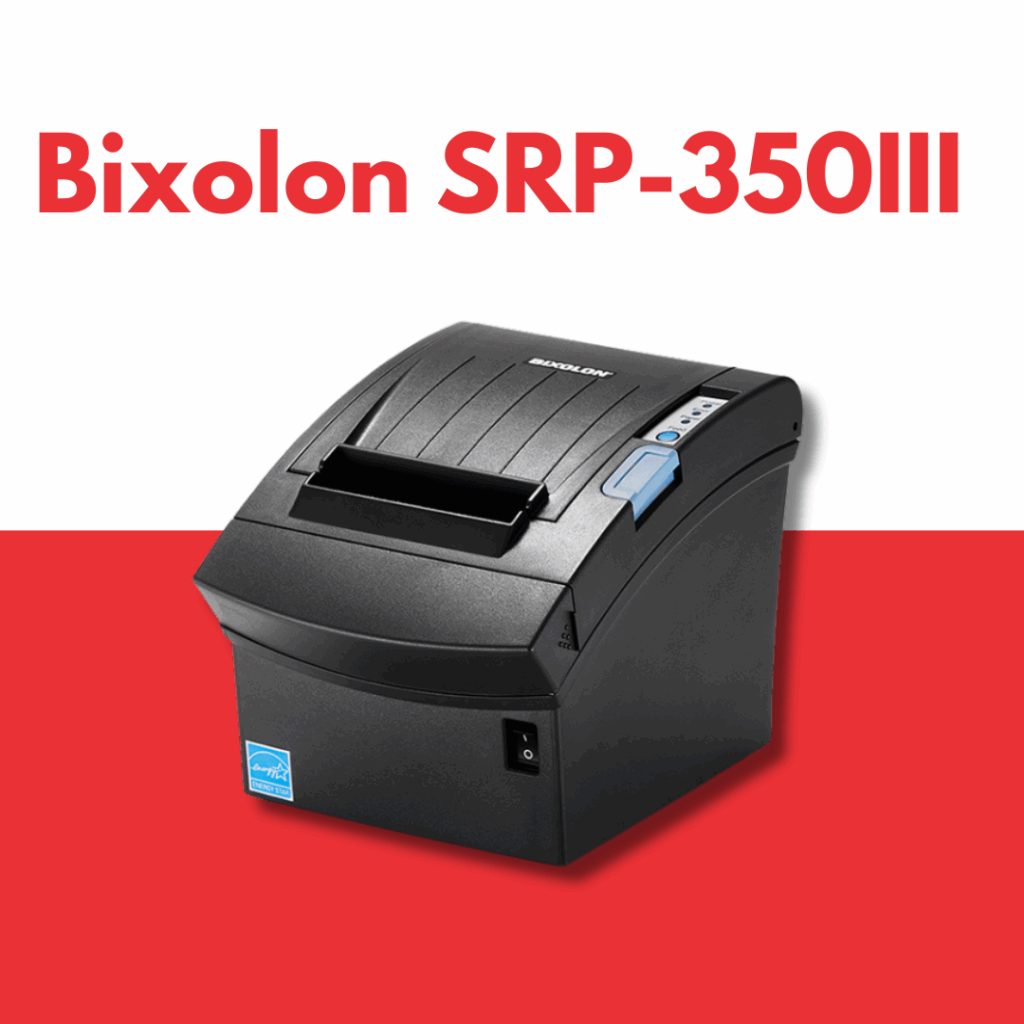
3. Bixolon SRP-350III
Features
- Print speed up to 250mm/sec
- Triple Interface: USB + Serial + Ethernet
- Easy paper roll loading
- Auto cutter for clean receipts
Pros and Cons
Pros:
- Versatile connectivity
- Affordable for small businesses
- Reliable print performance
Cons:
- No Bluetooth in standard version
- Requires drivers for some OS
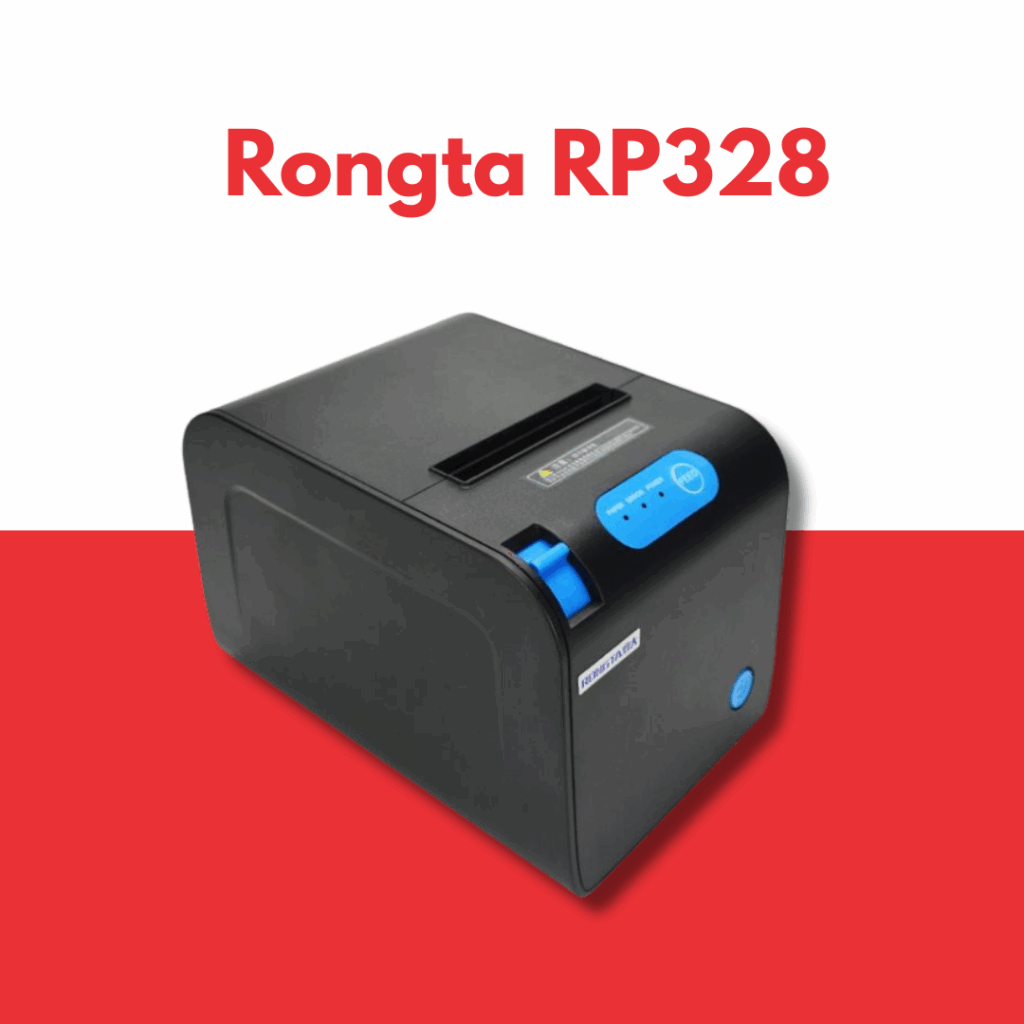
4. Rongta RP328
Features
- Print width: 80mm
- Interface: USB + Serial + Ethernet
- High-speed 260mm/sec printing
- Auto cutter and buzzer alert
Pros and Cons
Pros:
- Budget-friendly
- Works with Windows, Linux, and Android
- Compact design
Cons:
- Build quality isn’t premium
- Lesser-known brand
5. Dcode DC3R3
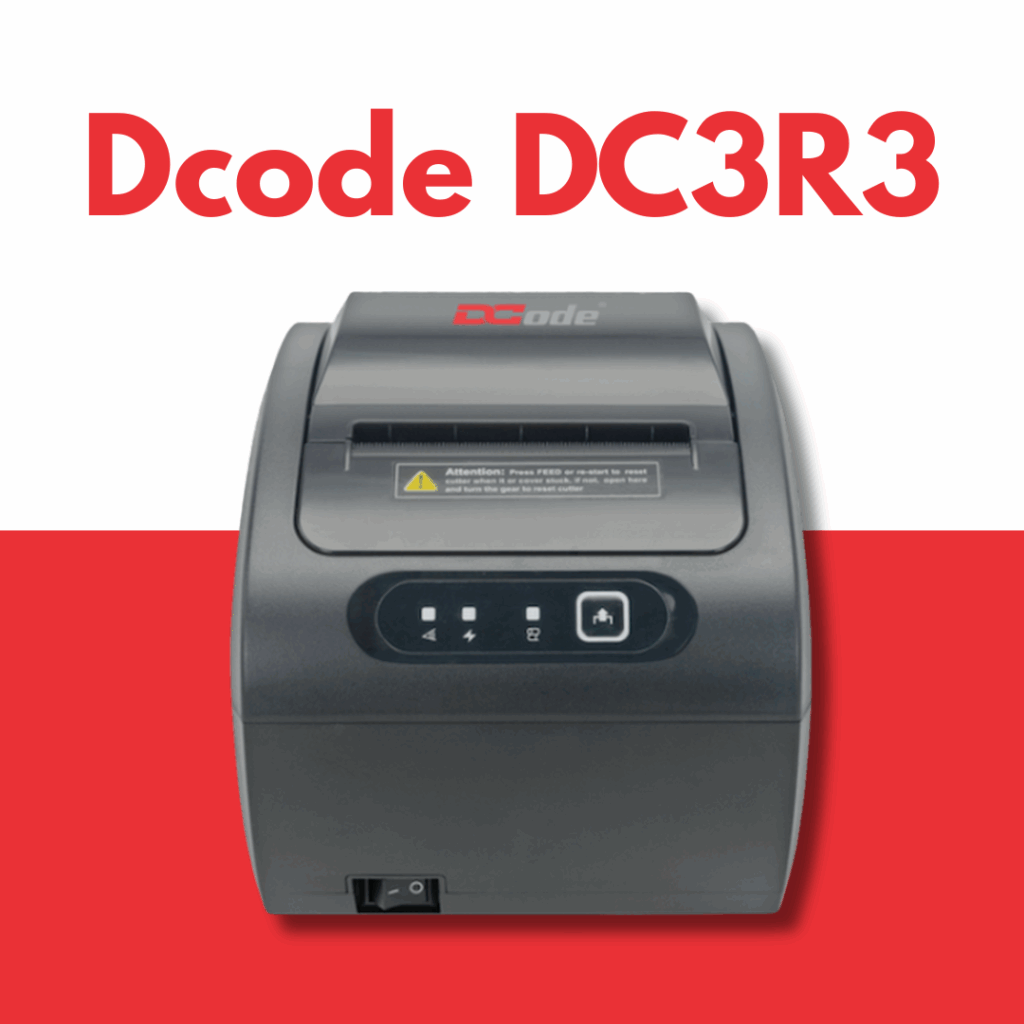
Features
- Print Speed: Up to 300mm/sec
- Triple Interface: USB + Serial + Ethernet
- High-resolution printing
- Compact with wall-mount support
- Compatible with all major POS software
Pros and Cons
Pros:
- Excellent print quality
- Multiple interface support
- Affordable and reliable
- Ideal for retail and billing setups
Cons:
- Brand awareness is still growing
- Fewer advanced software features
Comparison Table
| Printer Model | Speed | Connectivity | Cutter | |
| Epson TM-T88VII | 500mm/sec | USB, Ethernet, Bluetooth | Yes | |
| Star TSP143IVUE | 250mm/sec | USB, LAN | Yes | |
| Bixolon SRP-350III | 250mm/sec | USB, Serial, Ethernet | Yes | |
| Rongta RP328 | 260mm/sec | USB, Serial, Ethernet | Yes | |
| Dcode DC3R3 | 300mm/sec | USB, Serial, Ethernet | Yes |
How to Choose the Right Thermal Printer?
Print Speed
You don’t want your customers waiting. Look for at least 250mm/sec or more.
Connectivity Options
USB, Serial, Ethernet, Bluetooth, WiFi—choose based on your POS system.
Paper Compatibility
Most support 80mm paper, but double-check for your usage.
Ease of Use
Go for auto-cutters, drop-in paper loading, and LED indicators.
Software Compatibility
Check if the printer supports Windows, Android, iOS, and Linux.
Benefits of Using Thermal Receipt Printers
- Low Maintenance
- Silent Operation
- Compact Design
- Cost-Effective Printing
- Environmentally Friendly
Thermal Printers vs Inkjet Printers
| Feature | Thermal Printers | Inkjet Printers |
| Ink Requirement | No | Yes |
| Maintenance | Low | High |
| Speed | High | Moderate |
| Cost Per Print | Low | High |
Applications of Thermal Receipt Printers
- Retail Stores
- Restaurants & Cafes
- Supermarkets
- Ticketing Counters
- Medical Clinics & Pharmacies
Thermal Receipt Printer Maintenance Tips
- Clean the thermal head regularly
- Use recommended thermal paper
- Avoid dust and moisture exposure
- Power off when not in use
- Replace worn-out cutters
Common Issues and Troubleshooting
Issue: Faded Print
Fix: Use high-quality thermal paper or consider replacing the print head if the issue persists.
Issue: Paper Jam
Fix: Open the printer lid, carefully remove any jammed paper, and reload the paper correctly.
Issue: Printer Not Detected
Fix: Check the USB or connectivity cables and ensure the necessary drivers are properly installed or updated.
Future Trends in Thermal Printing Technology
- Wireless Integration
- AI-driven diagnostics
- Eco-friendly paper innovations
- Blockchain for receipt validation
- Touchless cloud printing
Best Brands in Thermal Printing
- Epson
- Star Micronics
- Bixolon
- Rongta
Conclusion
Picking the best thermal receipt printer in 2025 doesn’t have to be rocket science. Whether you’re going all-in on brand recognition or choosing a smart, cost-effective local option like the Dcode DC3R3, the goal remains the same—fast, efficient, and reliable receipts. So, think about your business needs, budget, and daily transaction volume before making the final call.
FAQs
1. Are thermal receipt printers better than regular printers?
Yes, for businesses! They’re faster, quieter, and cost less to maintain.
2. Can I use thermal printers without a POS system?
Yes, many work via USB and can print directly from PCs or mobile apps.
3. Do thermal printers require ink or toner?
Nope. Just thermal paper. That’s one reason they’re super affordable.
4. How long do thermal receipts last?
Thermal receipts typically last 5 to 7 years when stored properly in a cool, dry, and dark environment.
5. Is the Dcode DC3R3 a good option for startups?
Absolutely! It offers pro-level features at a fraction of the cost.