Best 5 Thermal Label Printers for 2025 | Dcode International
In the world of business, efficiency and organization are paramount, and thermal label printers have become indispensable tools for achieving both. Whether you’re shipping products, managing inventory, or simply labeling items for your office or retail space, having a reliable thermal label printer is a game-changer. These printers offer quick, high-quality label printing without the need for ink or toner, making them not only efficient but cost-effective in the long run.
In this article, we’ll delve into the top five thermal label printers that can transform your business operations. From high-speed printing to versatility, we’ll cover everything you need to know to make the best decision for your needs.
Understanding Thermal Label Printers
Before we dive into the top picks, it’s important to understand what thermal label printers are and how they work. Thermal printers are printers that use heat to transfer ink onto paper. There are two main types:
- Direct Thermal Printers – These printers use heat-sensitive paper, where the heat from the printer creates the text or images on the label. This type of printing doesn’t require ink or ribbons, making it a more cost-effective solution.
- Thermal Transfer Printers – These printers use a ribbon that contains ink, which is then melted onto the paper to create the print. Thermal transfer printers are ideal for producing more durable labels that can withstand exposure to heat, moisture, or abrasion.
Thermal label printers are generally known for their speed, reliability, and affordability. They’re widely used in industries ranging from logistics to retail, as they allow businesses to print a large number of labels quickly without the ongoing costs associated with ink cartridges.
Criteria for Choosing the Best Thermal Label Printer
When choosing the best thermal label printer, there are several factors to consider:
- Print Speed and Resolution: The print speed and resolution directly impact how quickly and clearly your labels are printed. A higher resolution will result in sharper text and more detailed images.
- Connectivity Options: Consider whether the printer offers connectivity options like USB, Bluetooth, Wi-Fi, or Ethernet. This flexibility ensures you can easily integrate the printer into your existing system.
- Durability and Build Quality: Depending on the environment in which the printer will be used, durability is crucial. Look for a printer that can withstand heavy-duty use, especially if you’re in a warehouse or shipping environment.
- Cost-Effectiveness: Although thermal printers are generally more cost-effective than inkjet printers in the long run, the upfront cost and maintenance of the printer should still be considered.
Top 5 Thermal Label Printers
Now that we understand the basics, let’s explore the top five thermal label printers that offer a perfect balance of speed, durability, and affordability.

Features:
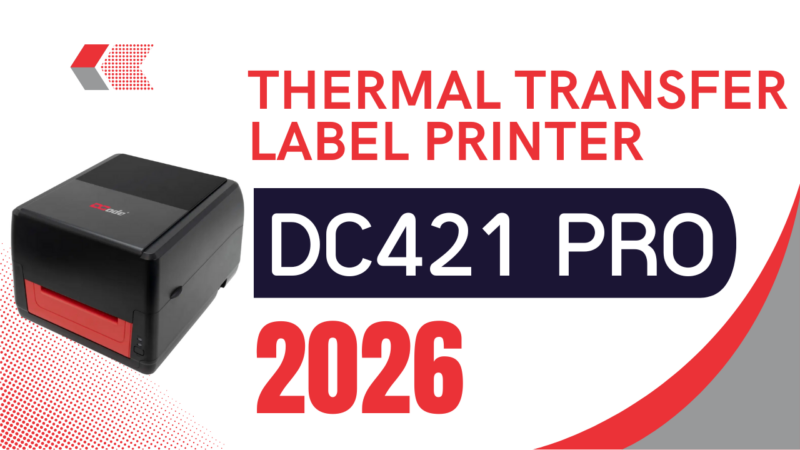
- Print speed: 5 inches per second
- Resolution: 203 dpi
- Connectivity: USB, Ethernet, Wi-Fi
- Supports various label sizes, including 4”x6” shipping labels
Pros:
- High print speed, ideal for fast-paced environments
- Excellent build quality and durability
- Multiple connectivity options for versatility
- Affordable price point for the features offered
Cons:
- Requires third-party software for advanced label designs
Best Use Case:
The Dcode DC421 Pro is perfect for businesses that need a reliable and fast label printer. It is well-suited for high-volume shipping, warehouse operations, and inventory management.
Features:
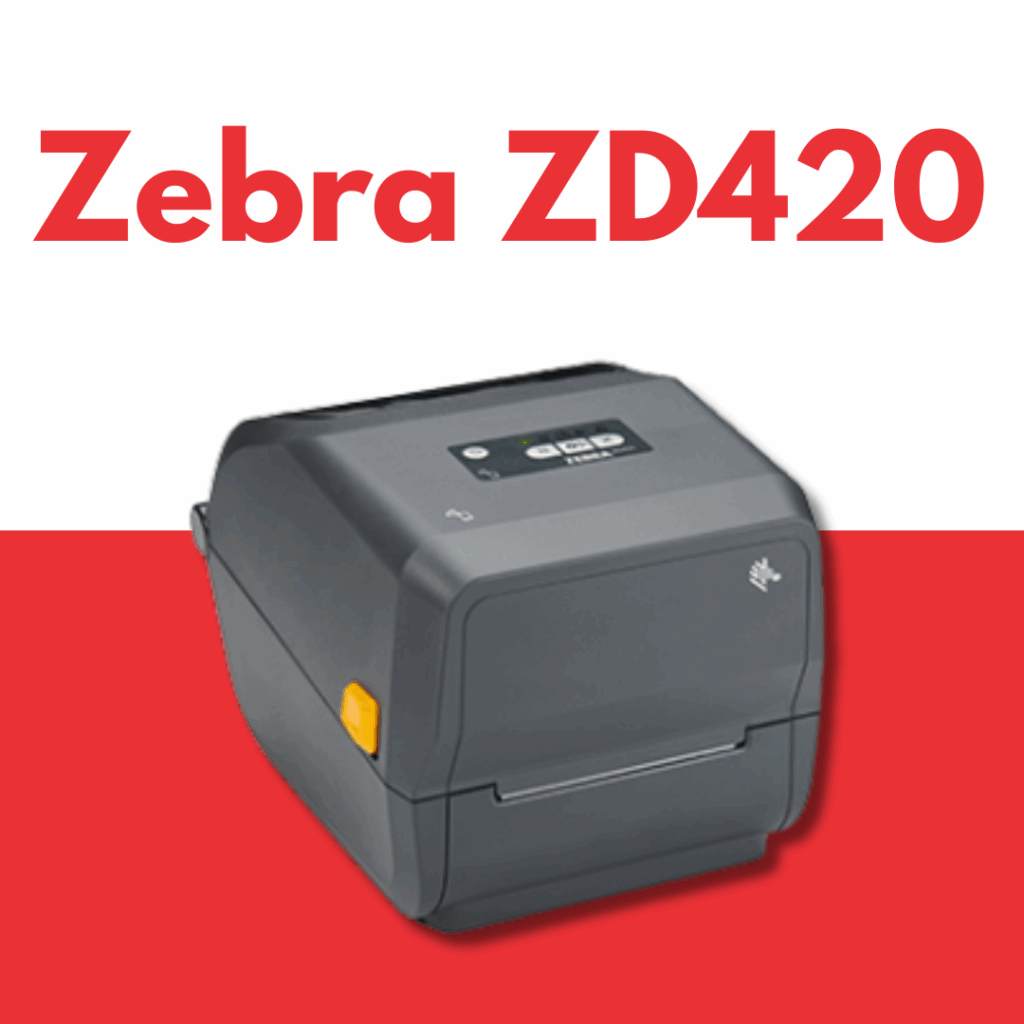
- Print speed: 6 inches per second
- Resolution: 203 dpi
- Connectivity: USB, Bluetooth, Wi-Fi
- Compact design
Pros:
- Reliable and durable
- User-friendly interface
- Excellent customer support
Cons:
- Slightly expensive compared to other models
Best Use Case:
The Zebra ZD420 is a great choice for businesses that need high-quality, reliable labels. It’s perfect for retail and shipping companies that need to print labels in moderate quantities.
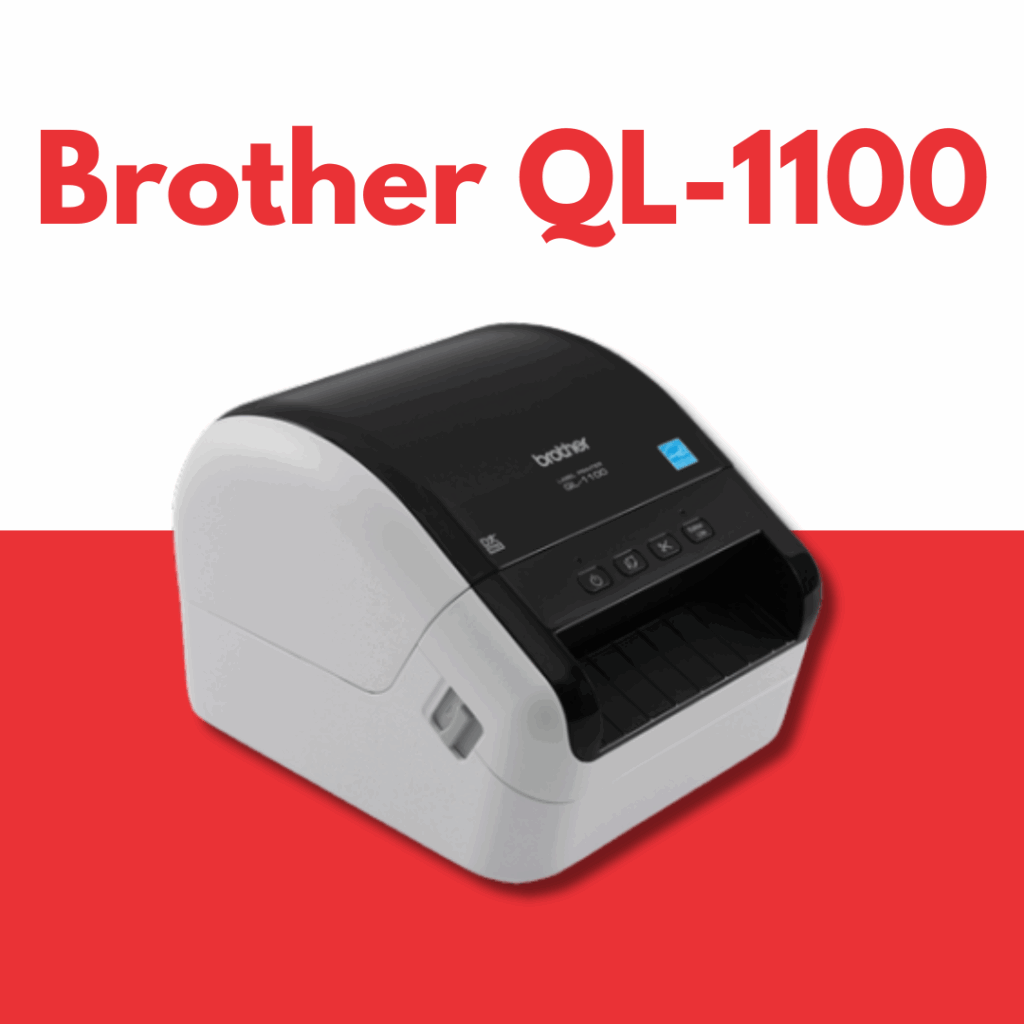
Features:
- Print speed: 93 labels per minute
- Resolution: 300 dpi
- Connectivity: USB, Wi-Fi
- Prints 4″ x 6″ shipping labels
Pros:
- Ideal for high-volume label printing
- Compatible with both Windows and macOS
- Affordable for small businesses
Cons:
- May require additional software for advanced features
Best Use Case:
This printer is best suited for small to medium-sized businesses looking to print shipping labels quickly and efficiently.

Features:
- Print speed: 53 labels per minute
- Resolution: 300 dpi
- Connectivity: USB
- Supports 4″ x 6″ shipping labels
Pros:
- Space-saving design
- Excellent for shipping and warehouse environments
- Easy to set up
Cons:
- Lacks wireless connectivity
Best Use Case:
Ideal for e-commerce businesses that need to print large quantities of shipping labels quickly.
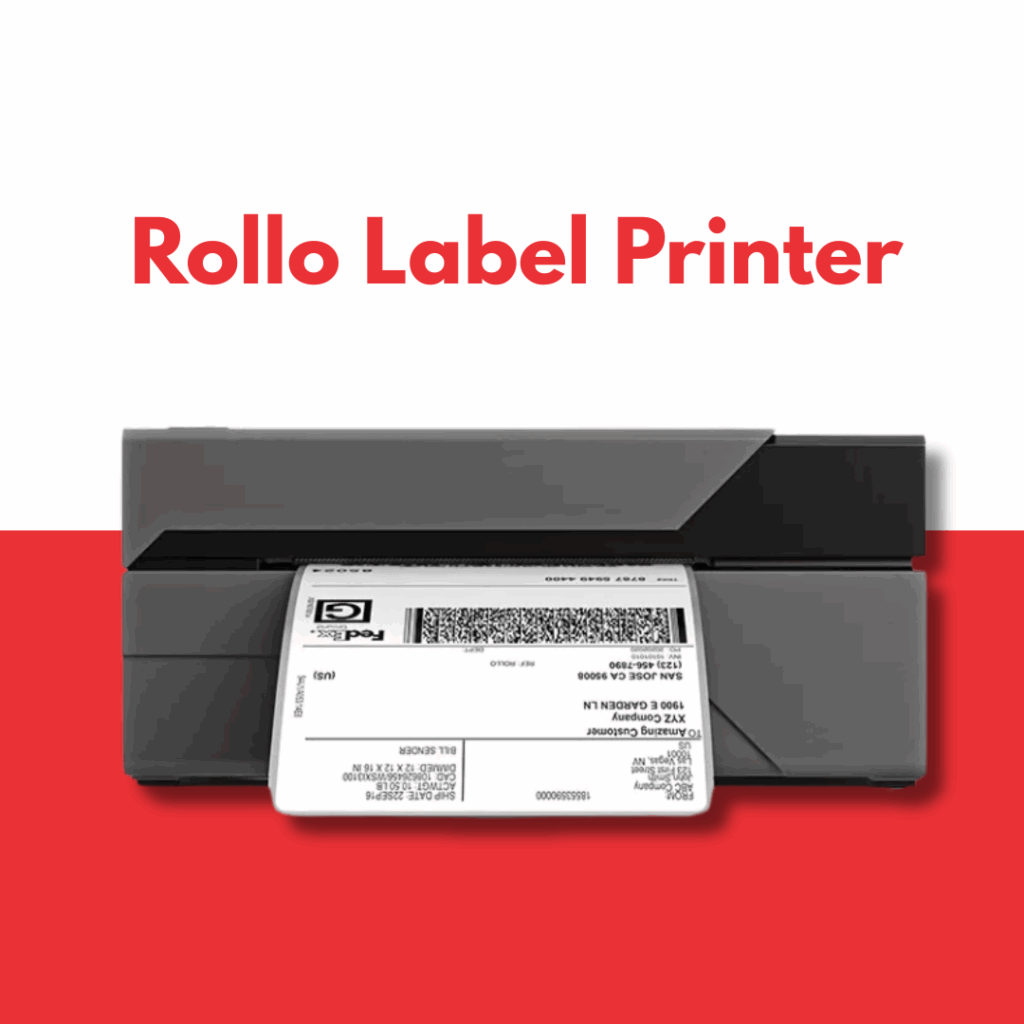
Features:
- Print speed: 150mm per second
- Resolution: 203 dpi
- Connectivity: USB, Wi-Fi
- Compatible with most label sizes
Pros:
- Supports thermal transfer labels
- High printing speed
- Works with many shipping platforms
Cons:
- Doesn’t come with software, so you need to use third-party programs
Best Use Case:
Perfect for online retailers who need a versatile, high-speed printer that can handle large-scale label printing.
How to Set Up and Use a Thermal Label Printer
Setting up a thermal label printer is typically straightforward. Here’s a basic guide to get you started:
- Unbox the printer and remove all protective packaging.
- Connect the printer to your computer or network via the appropriate connection (USB, Wi-Fi, or Ethernet).
- Install the drivers and software on your computer. Most printers come with installation CDs, but you can also download the software from the manufacturer’s website.
- Load the label rolls into the printer, making sure they are aligned properly.
- Test print a label to ensure everything is working smoothly.
Troubleshooting Tips:
- Ensure the labels are loaded correctly to avoid jams.
- Check that the printer is properly connected to the network or computer.
- Make sure the software settings match the printer’s specifications.
Comparing Thermal Label Printers
When choosing a thermal label printer, it’s essential to assess the unique needs of your business. Here’s a quick comparison to help:
- Best for Small Businesses: The Brother QL-1100 offers an affordable price point, fast printing, and good connectivity options, making it perfect for small businesses.
- Best for High-Volume Printing: The Rollo Label Printer or Dcode DC421 Pro would be great choices for high-volume environments like warehouses and shipping hubs, offering fast speeds and durability.
Conclusion
In conclusion, a thermal label printer is an excellent investment for any business that requires reliable, high-quality labeling solutions. Whether you’re looking for a budget-friendly option like the Dymo LabelWriter 4XL or a high-performance model like the Dcode DC421 Pro, there is a printer on this list to suit your needs.
By understanding the key features and selecting the right model for your specific business requirements, you can improve your efficiency and reduce long-term costs.
Frequently Asked Questions (FAQs)
- What is the difference between direct thermal and thermal transfer printing?
Direct thermal printing uses heat-sensitive paper, while thermal transfer uses a ribbon to transfer ink to the label.
- Can I use any type of label with a thermal printer?
No, you need to use specific labels designed for thermal printers. The type of label depends on whether the printer is a direct thermal or thermal transfer model.
- Are thermal label printers expensive to maintain?
Thermal label printers are relatively low-maintenance as they do not require ink or toner, though you may need to replace the label rolls or ribbons occasionally.
- What is the print speed of thermal label printers?
Print speed varies depending on the model, but most thermal label printers offer speeds between 4 to 8 inches per second.
- Can thermal label printers print barcodes?
Yes, thermal label printers can easily print barcodes, making them ideal for inventory and shipping purposes.