Best Budget Mobile Printer of 2025 By Dcode
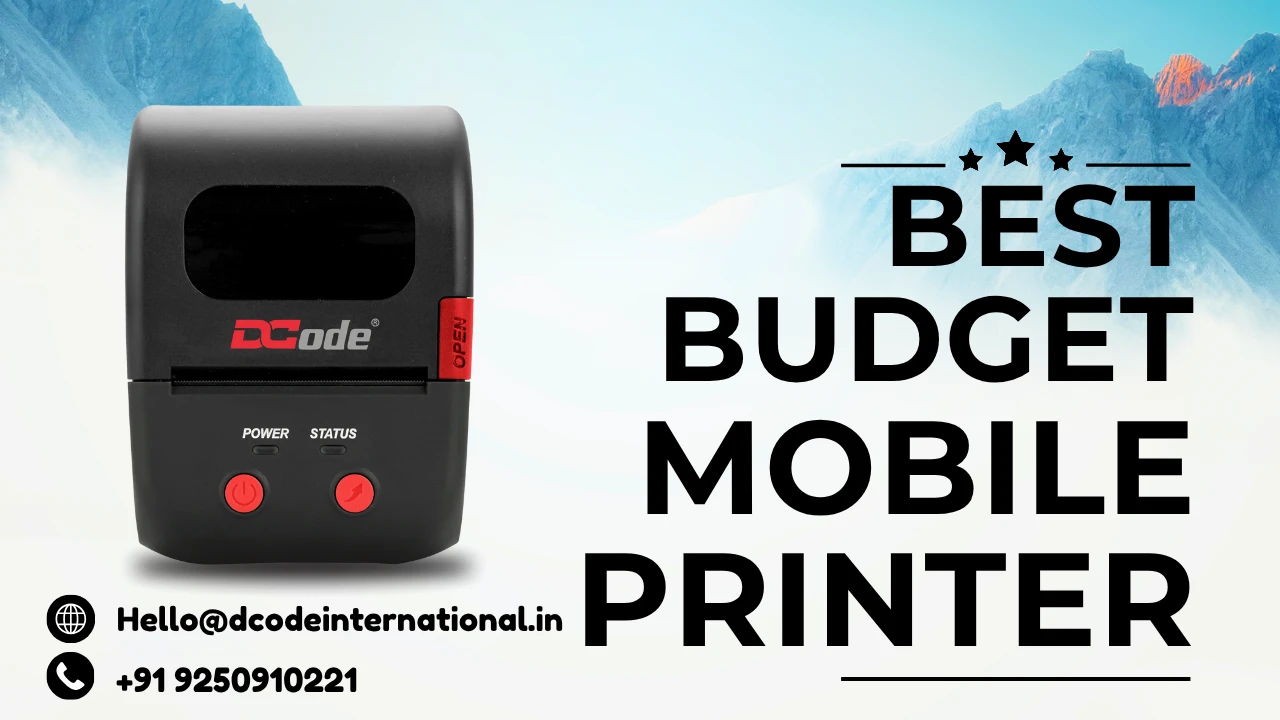
When it comes to portable printing, mobile printers have become a must-have for professionals, small businesses, and even students. Whether you’re printing invoices on the go, product labels in a warehouse, or photos at an event, mobile printers save time and enhance productivity. But finding the best budget mobile printer that balances price, performance, and portability can be challenging.
In this article, we’ll explore everything you need to know — from features and types to top recommendations and buying tips — to help you choose the perfect mobile printer without breaking the bank.
What is a Mobile Printer?
A mobile printer is a compact, lightweight printing device designed for portability and convenience. Unlike traditional printers, these devices can print wirelessly using Bluetooth, Wi-Fi, or USB connections and are powered by rechargeable batteries. Whether you’re in a car, café, or client meeting, a mobile printer lets you produce professional-quality prints instantly.
Why You Need a Mobile Printer
In today’s fast-paced business environment, convenience is key. Mobile printers empower professionals to print anywhere, anytime, without relying on bulky office equipment.
Imagine you’re a delivery agent printing invoices on-site, or a business owner labeling packages instantly — that’s the freedom mobile printing offers. For small businesses and freelancers, it’s a budget-friendly way to maintain professionalism and productivity on the move.
Key Features to Look For in a Budget Mobile Printer
4.1 Print Technology
Mobile printers typically use thermal or inkjet printing technologies.
- Thermal printers require no ink — they print by applying heat to special paper, making them ideal for receipts, labels, and barcodes.
- Inkjet printers use cartridges and provide higher-quality color prints, perfect for documents and photos.
4.2 Connectivity Options
Look for Bluetooth, Wi-Fi, and USB connectivity to ensure seamless use with smartphones, tablets, and laptops.
4.3 Battery and Power Options
A good mobile printer should offer at least 500–1000 prints per charge and support USB or car charging options for flexibility.
4.4 Print Speed and Quality
Choose a printer that balances speed and print quality. Budget models typically print 3–6 pages per minute or 70–90mm/s for thermal types.
4.5 Portability and Design
Since it’s meant for mobility, size and weight matter. The best budget printers weigh under 1.5 kg and fit easily in a backpack.
Types of Mobile Printers
5.1 Thermal Mobile Printers
Thermal printers are cost-effective, compact, and ink-free. They are best for businesses printing bills, labels, or receipts.
5.2 Inkjet Mobile Printers
These printers provide color prints with higher resolution. Perfect for professionals who need presentation-ready documents.
5.3 Label and Receipt Mobile Printers
Specifically designed for logistics, retail, and hospitality, these printers offer fast and durable label or receipt printing.
Top 5 Best Budget Mobile Printers in 2025
6.1 Dcode DC2M Mobile Printer (Made in India)
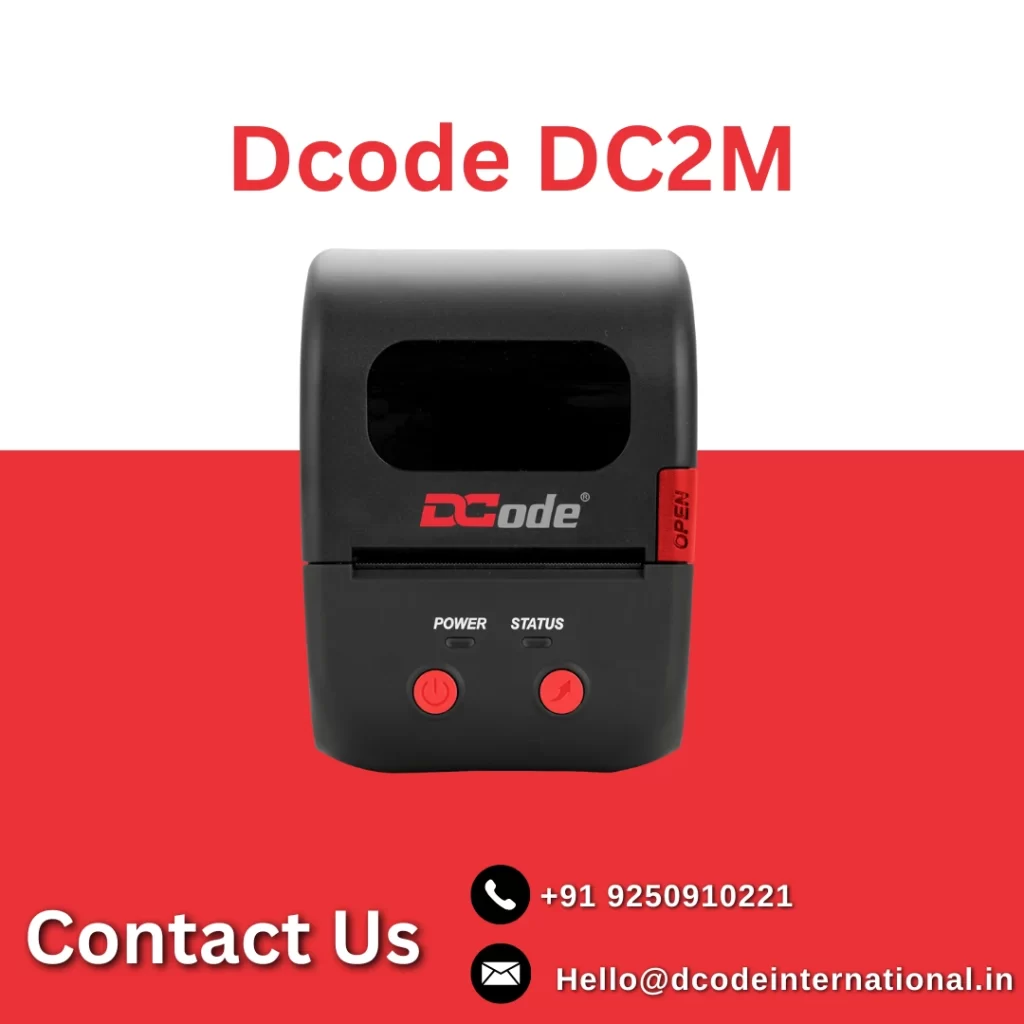
The Dcode DC2M is a standout mobile printer designed for Indian businesses. Known for its Made in India innovation, it supports Bluetooth and USB connectivity, provides fast and clear thermal printing, and is perfect for billing, label printing, and receipts.
- Highlights:
- Compact & lightweight
- Supports Android, iOS, and Windows
- Long battery life (prints 800+ labels per charge)
- Affordable & robust build
A powerful inkjet mobile printer known for color-rich prints and wireless connectivity. It’s perfect for professionals who need high-quality document output on the go.
6.3 HP OfficeJet 200
Compact and efficient, this printer delivers laser-quality prints with wireless functionality. It’s ideal for sales representatives, freelancers, and executives.
An ultra-portable inkjet printer with Wi-Fi Direct and USB connectivity, delivering crisp color prints — ideal for students and photographers.
6.5 Phomemo M08F Portable Printer
A thermal paper-based mobile printer that’s budget-friendly and ink-free. Ideal for travelers, small businesses, and mobile professionals.
Comparison Table: Features at a Glance
| Printer Model | Type | Connectivity | Battery Life | Ideal For |
| Dcode DC2M | Thermal | Bluetooth, USB | 800+ prints | Business, Billing |
| Canon PIXMA TR150 | Inkjet | Wi-Fi, USB | 330 pages | Professionals |
| HP OfficeJet 200 | Inkjet | Wi-Fi, USB | 400 pages | Freelancers |
| Epson WF-100 | Inkjet | Wi-Fi, USB | 250 pages | Students |
| Phomemo M08F | Thermal | Bluetooth | 700+ prints | Travelers |
How to Choose the Right Mobile Printer for Your Needs
8.1 For Business Professionals
Look for a model with fast printing speed and professional-quality output — like HP OfficeJet 200 or Canon TR150.
8.2 For E-commerce and Logistics
A thermal printer like Dcode DC2M is your best choice for labels, receipts, and invoices.
8.3 For Students and Freelancers
Choose a lightweight, versatile model like Epson WF-100 for occasional document printing.
8.4 For Photographers
Inkjet printers like the Canon TR150 are best for vibrant and detailed color prints.
Pros and Cons of Using Budget Mobile Printers
Pros:
- Portable and easy to carry
- No dependency on office printers
- Affordable and efficient
- Battery-powered and wireless
Cons:
- Smaller paper capacity
- Limited color options (for thermal models)
- Slightly slower than large desktop printers
Setup and Maintenance Tips
- Always use manufacturer-approved paper or cartridges.
- Keep your printer’s firmware updated.
- Store in a cool, dry place to prevent damage.
- Clean thermal heads regularly using cleaning sheets.
How to Save on Printing Costs
- Use thermal printers for receipts to avoid ink costs.
- Print in draft mode for quick documentation.
- Buy bulk paper rolls or cartridges to save on per-unit pricing.
Best Accessories for Mobile Printers
- Protective carrying case
- Extra battery pack
- Wireless printing adapter
- Thermal paper rolls
- Cleaning wipes
Future of Mobile Printing Technology
The next generation of mobile printers will focus on AI-driven print management, eco-friendly materials, and faster wireless connectivity. Brands are working on multi-function portable devices that can print, scan, and label — making mobile printing more powerful and sustainable.
Final Verdict
The best budget mobile printer depends on your needs — whether you prioritize cost-efficiency, portability, or print quality.
If you want a Made in India powerhouse, go for Dcode DC2M Mobile Printer — it’s reliable, affordable, and designed for Indian conditions. But if you need color printing, the Canon PIXMA TR150 or HP OfficeJet 200 are worth considering.
Whichever you choose, mobile printing will simplify your workflow and redefine on-the-go productivity.
Conclusion
Mobile printers are no longer a luxury — they’re a smart business tool. The right printer will save time, reduce costs, and boost your efficiency. In 2025, the focus is on compact, wireless, and affordable models, and the Dcode DC2M proudly leads that revolution in the budget category.
FAQs
1. What is the cheapest mobile printer in India?
The Dcode DC2M Mobile Printer is one of the most affordable and reliable options under ₹10,000.
2. Can mobile printers print color documents?
Yes, but only inkjet mobile printers like the Canon TR150 and HP OfficeJet 200 support color printing.
3. How long does a mobile printer battery last?
Most models last between 500 to 1000 prints per charge, depending on usage.
4. Do thermal mobile printers require ink?
No. Thermal printers print by heat and don’t need ink or toner, making them cost-efficient.
5. Can I connect a mobile printer to my smartphone?
Absolutely. Modern printers offer Bluetooth or Wi-Fi connectivity for seamless smartphone printing.
Contact Us
Website: www.Dcodeinternational.in
Mobile no: +91 9250910221
Email: Hello@dcodeinternational.in